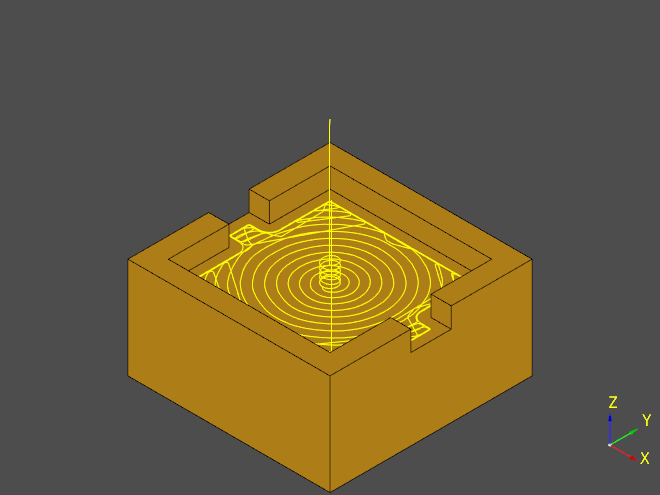
Examples
Profiling
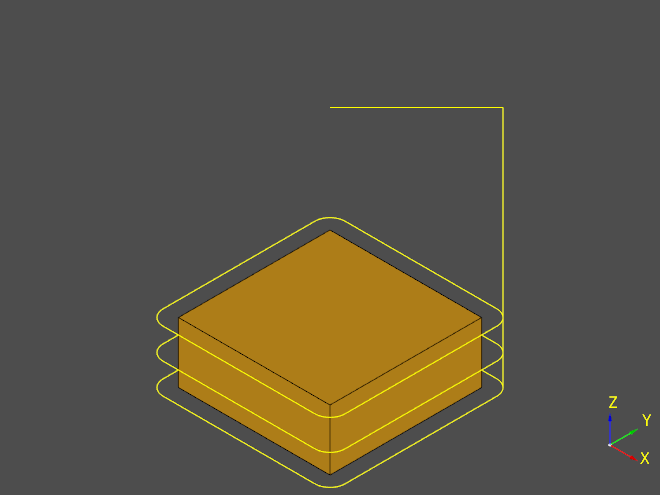
ocp_freecad_cam.api.Job.profile() allows creating tool paths that follow face/edge contours.
import cadquery as cq

from ocp_freecad_cam import Endmill, Job

wp = cq.Workplane().box(5, 5, 2)

top = wp.faces(">Z").workplane()
profile_shape = wp.faces("<Z")

tool = Endmill(diameter="1 mm")
job = Job(top, wp).profile(profile_shape, tool)
from build123d import Axis, Box, BuildPart

from ocp_freecad_cam import Endmill, Job

with BuildPart() as part:
    Box(5, 5, 2)

z_faces = part.faces().sort_by(Axis.Z)
top = z_faces[-1]
bottom = z_faces[0]

tool = Endmill(diameter=1)
job = Job(top, part.solids()).profile(bottom, tool)
2.5D Pocketing
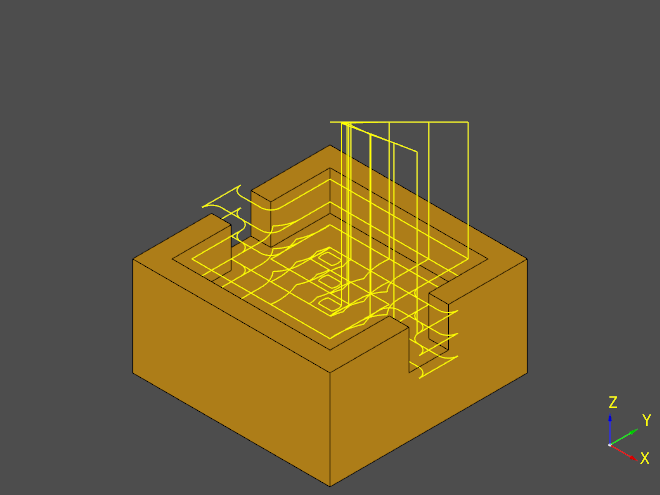
ocp_freecad_cam.api.Job.pocket() creates tool paths for pocketing / clearing holes.
import cadquery as cq

from ocp_freecad_cam import Endmill, Job

wp = (
    cq.Workplane()
    .rect(10, 10)
    .extrude(5)
    .faces(">Z")
    .workplane()
    .rect(8, 8)
    .cutBlind(-2)
    .faces(">Z")
    .rect(10, 2)
    .cutBlind(-2)
)

pocket = wp.faces(">Z[1]")
top = wp.faces(">Z").workplane()
tool = Endmill(diameter=1)
job = Job(top, wp).pocket(pocket, tool=tool, pattern="offset")
from build123d import Axis, Box, Pos, offset

from ocp_freecad_cam import Endmill, Job

box = Box(10, 10, 5)
top = (box.faces() < Axis.Z)[0]
box -= Pos(0, 0, 1.5) * (Box(8, 8, 2) + Box(10, 2, 2))

op_faces = (box.faces() | Axis.Z < Axis.Z)[2]
op_faces = (offset(op_faces, 1) - box + op_faces).faces()

tool = Endmill(diameter=1)
job = Job(top, box).pocket(op_faces, tool=tool, pattern="offset")

Open pockets
Open pockets are tricky even in the GUI of FreeCAD. A clever trick that can be employed in our case:
Select the desired operation faces
Offset them larger (for example 1/3 tool diameter)
Cut the offset faces with the part/compound/solid
Fuse the result with the original faces
The result is a face that has been offset only the open directions.
Drill
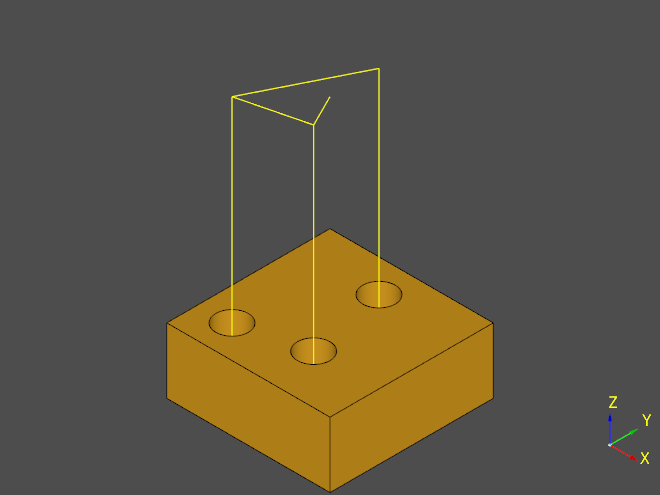
ocp_freecad_cam.api.Job.drill() creates tool paths for drilling holes
import cadquery as cq

from ocp_freecad_cam import Drill, Job

wp = (
    cq.Workplane()
    .box(5, 5, 2)
    .faces(">Z")
    .workplane()
    .pushPoints([(-1.5, -1.5), (0, 1.5), (0.5, -1)])
    .circle(0.5)
    .cutThruAll()
)

top = wp.faces(">Z").workplane()
hole_edges = wp.faces("<Z").objects[0].innerWires()


tool = Drill(diameter="1 mm")
job = Job(top, wp).drill(hole_edges, tool)
Helix
ocp_freecad_cam.api.Job.drill() creates tool paths for milling holes using helical motion
import cadquery as cq

from ocp_freecad_cam import Endmill, Job

wp = (
    cq.Workplane()
    .box(5, 5, 2)
    .faces(">Z")
    .workplane()
    .pushPoints([(-1.5, -1.5), (0, 1.5), (0.5, -1)])
    .circle(0.5)
    .cutThruAll()
)

top = wp.faces(">Z").workplane()
hole_edges = wp.faces("<Z").objects[0].innerWires()


tool = Endmill(diameter="0.5 mm")
job = Job(top, wp).helix(hole_edges, tool)

Adaptive
ocp_freecad_cam.api.Job.adaptive() creates clearing/profiling tool paths using adaptive algorithms.
import cadquery as cq

from ocp_freecad_cam import Endmill, Job
from ocp_freecad_cam.api_util import Expression

wp = (
    cq.Workplane()
    .rect(10, 10)
    .extrude(5)
    .faces(">Z")
    .workplane()
    .rect(8, 8)
    .cutBlind(-1)
    .faces(">Z")
    .rect(10, 2)
    .cutBlind(-1)
)

pocket = wp.faces(">Z[1]")
top = wp.faces(">Z").workplane()
tool = Endmill(diameter=1)
job = Job(top, wp).adaptive(
    pocket,
    tool=tool,
    step_over=50,
    start_depth=Expression("0 mm"),
)